
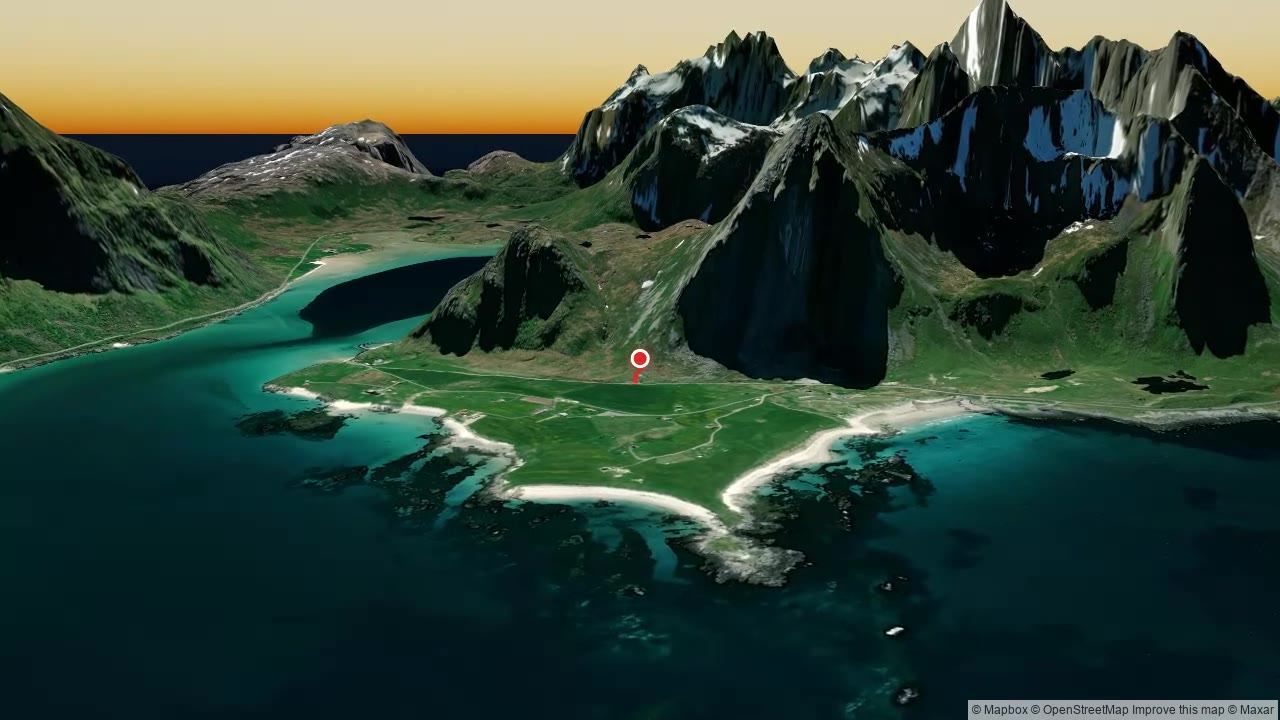
 Watch example
Hikes, runs & rides
GPX route animation
Import GPS tracks or plan a route. Combine activities from hiking and cycling to skiing and flying.
3D map video maker
Bring a recorded route, a favourite place or a whole trip to life in 3D. Shape the camera, add your story, and preview it free in your browser.
Choose a starting point. You can adjust the camera, style, and timing in every editor.
Watch example
Import GPS tracks or plan a route. Combine activities from hiking and cycling to skiing and flying.
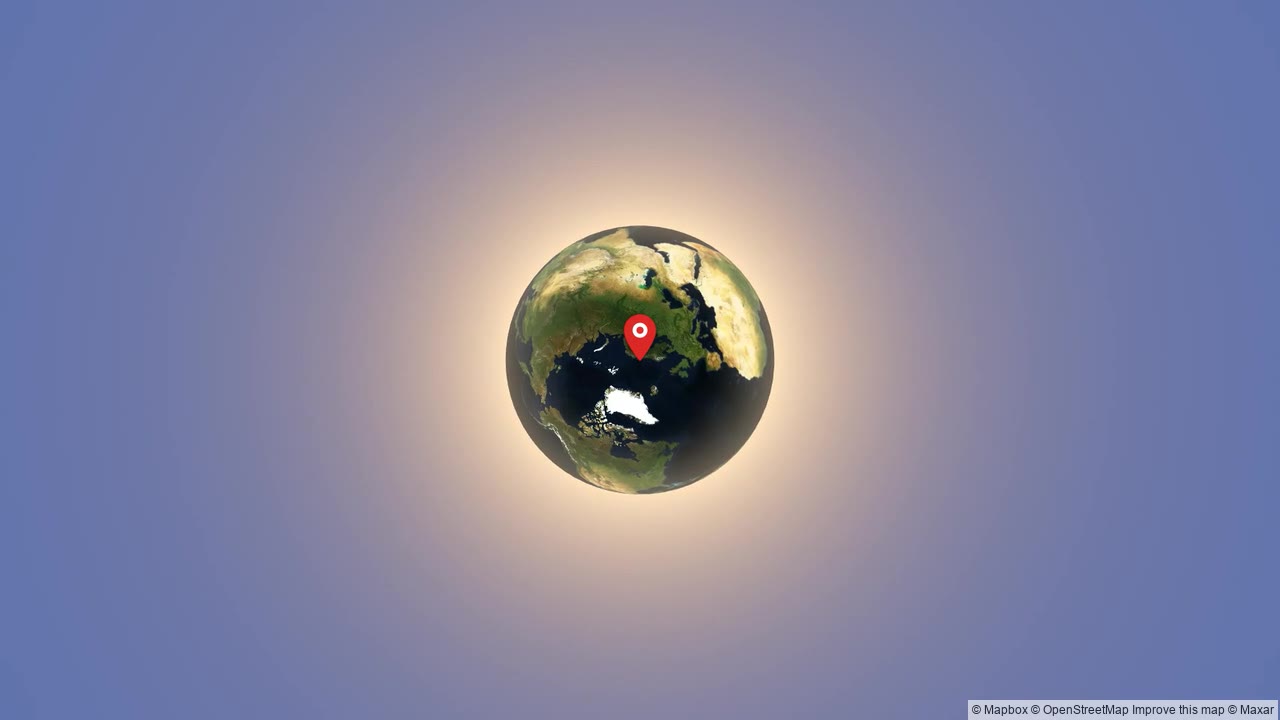 Watch example
Reveal one place or connect up to eight locations. Set the view at each stop and the camera move between them.
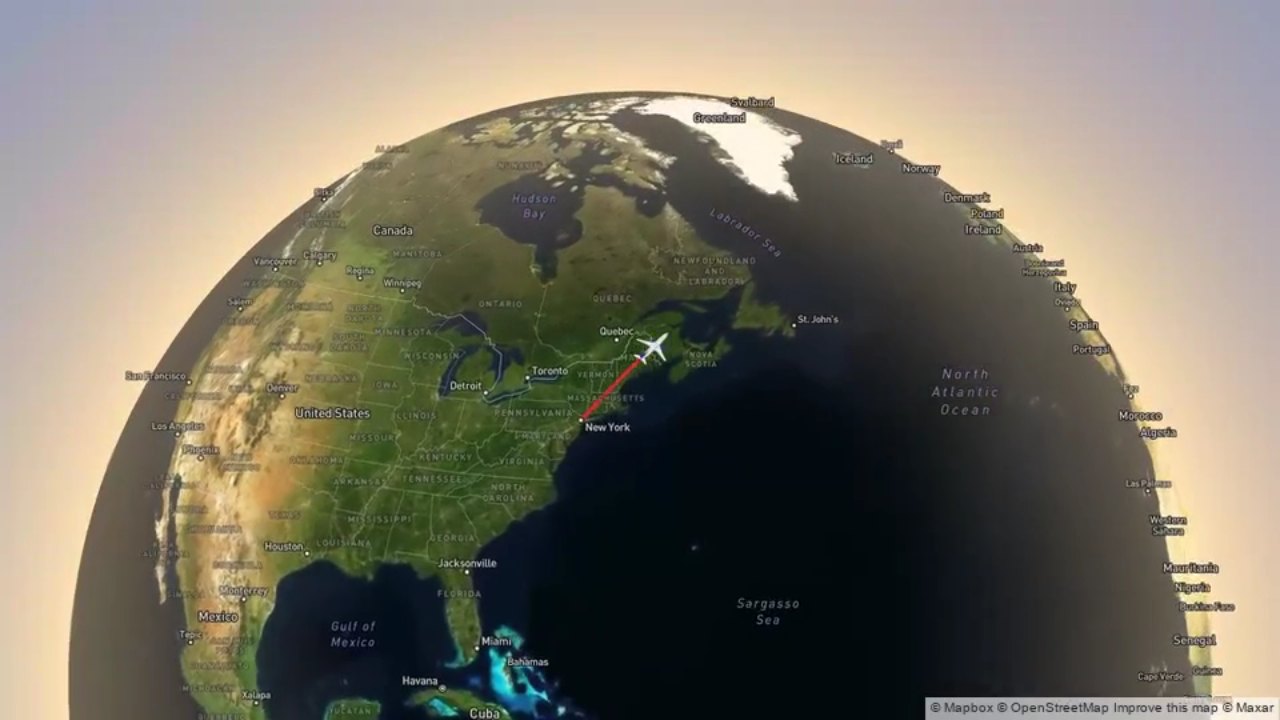 Watch example
Connect the stops on your trip with flights, road trips, trains, cycling and walks. Bring the whole journey together in one video.
For races, events & businesses
We create the video for you. Present a race course, a guided adventure or a company trip — with your route, name, colours and logo.
Send your route and idea. We’ll follow up with a proposal.
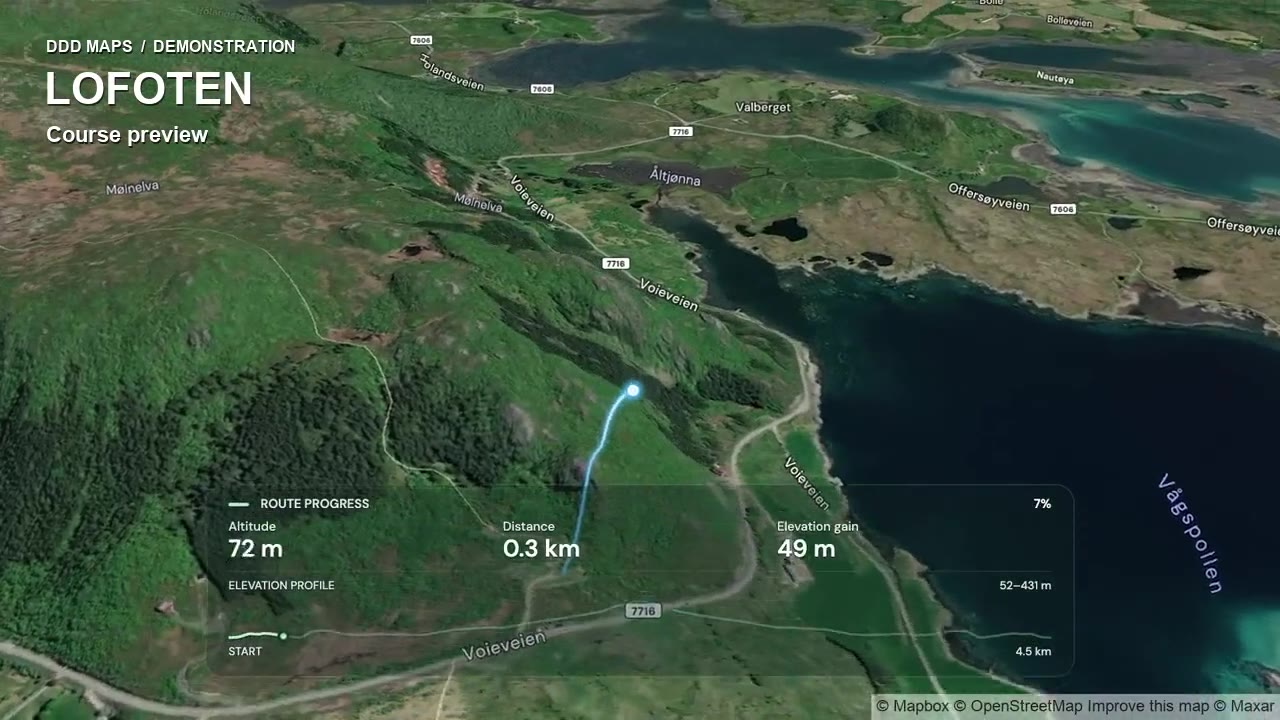 See what’s possible
Build a video around the places, views and memories you want to share.
Add photos or captions to GPX, Zoom and Travel videos. Pause along a route or after a Zoom arrival, then continue the journey.
Explore photo Moments ↗Choose Follow or Glide for your activity, hold a still camera, reveal a place or let Travel follow each transport leg.
Explore the camera options ↗Colour a route by speed or altitude, add the statistics that matter and sign in to reuse your look with My Styles.
Explore route graphics ↗Import GPS tracks, plan an activity, find a place, or add the stops on your trip.
Set the camera, style, and timing. Preview until it feels right.
Export an MP4, ready for your social feed, website, or next adventure.
Edit, preview and keep a draft on this device without an account. Sign in free to save projects online and export a watermarked Standard MP4. No payment card is needed.
Export an MP4 in landscape 16:9, vertical 9:16 or portrait 4:5. Free includes Standard quality with a DDD Maps watermark. Pro adds watermark-free Full HD and 4K exports.
Free includes GPX, Zoom, and Travel access with previews and watermarked Standard-quality MP4 exports. Pro removes the watermark and unlocks Full HD and 4K exports across all three editors.
Yes, subject to the Terms and third-party map rules. Mapbox/OpenStreetMap attribution must stay visible.
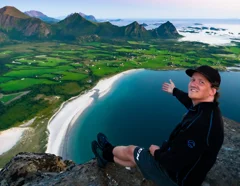
I built DDD Maps because a flat screenshot never quite captured the feeling of a hike. Now you can bring your own routes and adventures to life. — Tobias
The story behind DDD MapsYour story starts here
Preview without signing up and keep a draft on this device. Sign in free to save online and export.
Loading map imagery…